Items On Order
Items on order is a screen in the system that allows users to view all items on order in a variety of ways. To open the Items on Order screen, navigate to the
|images/purchasing.jpg| tab, and click on the  icon. This will
open the Items on Order screen.
icon. This will
open the Items on Order screen.
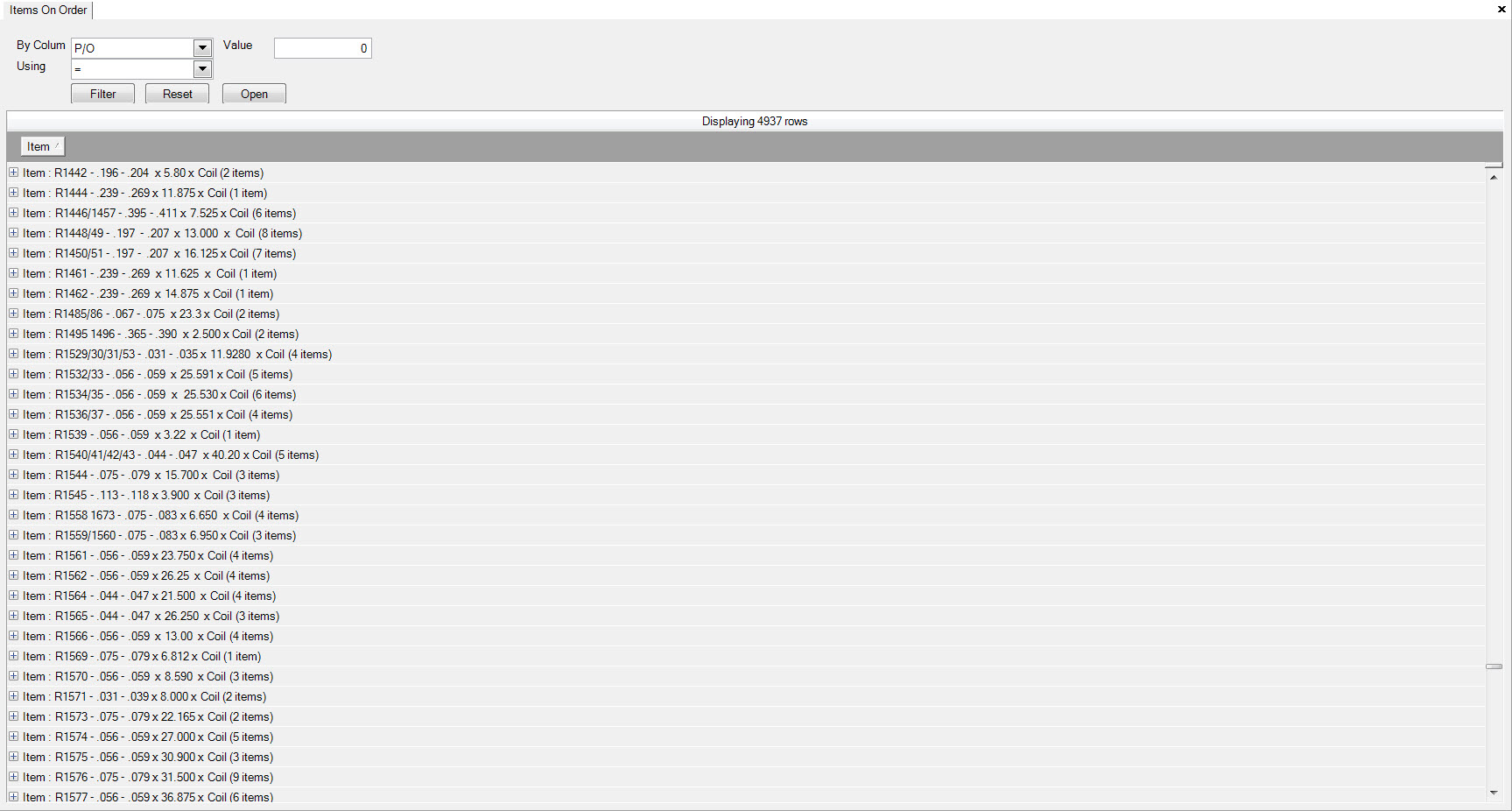
The screen will initially list items on order in alphabetical or numerical order, but you can use the filter function at the top of the screen to search for a particular item, search by PO, Vendors, Unit Price, and a variety of other variables.
Once you have found the item you wish to investigate, you can expand the item to view all purchase orders, vendors, and item pricing by clicking on the + beside the item.
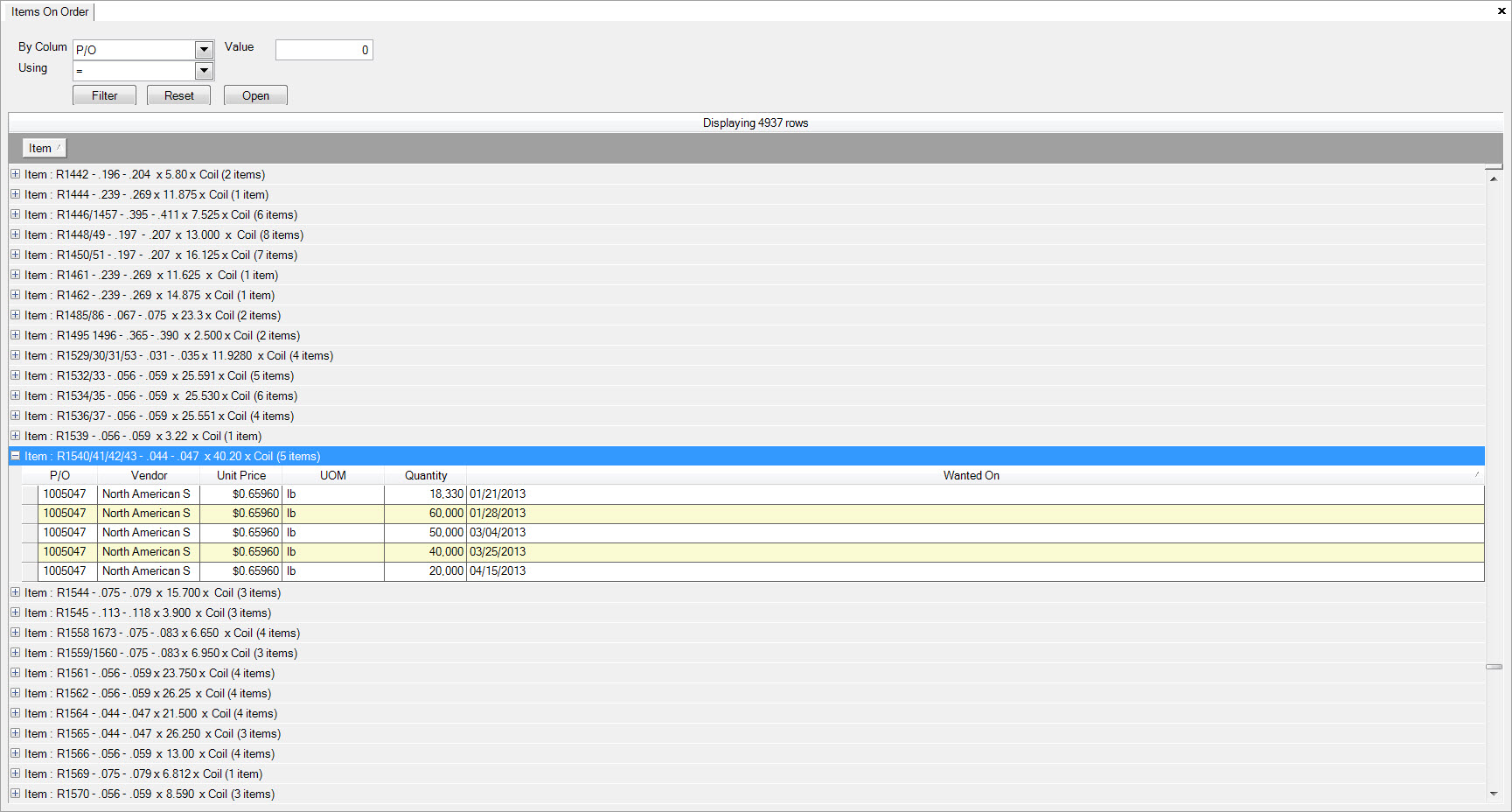
You can open a purchase order to make changes directly from this screen by double clicking on a row.